


Learn the keys through play
- Short, spoken lessons, one or two keys at a time
- Five paper-folded games that unlock as keys are learned
- Paper stars for every lesson, and certificates to print
TypingAtoZ teaches touch typing to students aged 9 and up, one or two keys at a time. Real words, read-aloud lessons, paper-folded games and certificates to print. No subscription. No internet needed.
Many typing programs rent you access by the month and need a connection to work. TypingAtoZ is an ordinary program on your own computer.
No monthly fee, no yearly renewal and no surprise when the card runs out. It is yours to keep.
Lessons, games, voices and books are all inside the program. It works on the plane, at the cabin and when the Wi-Fi is down.
Students' names and progress stay on your computer. There are no accounts to make, nothing is uploaded, and nobody is tracking.
Add as many students as you like. Each has their own map, stars, settings and progress.
TypingAtoZ grows with the student. The tutor decides what each student can reach, so a young beginner and a teenager can share one computer and each see the right thing.
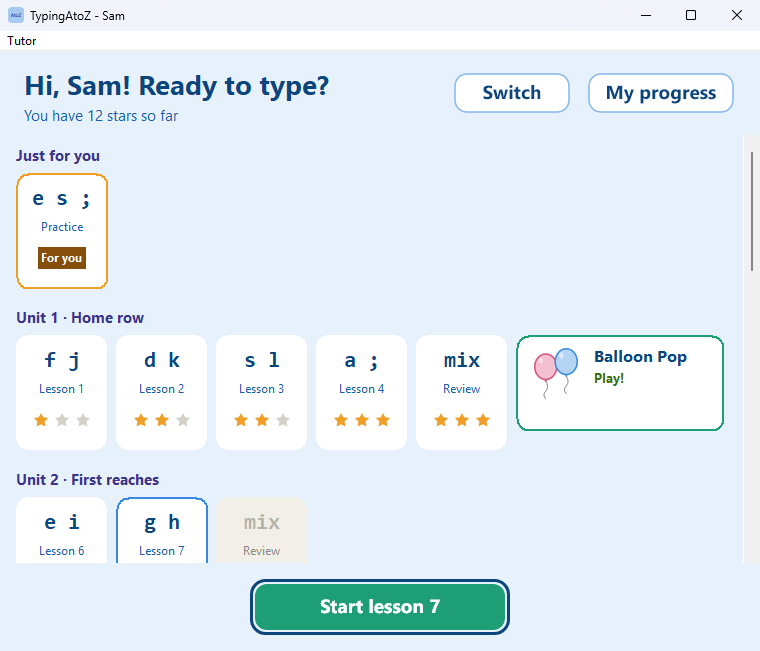
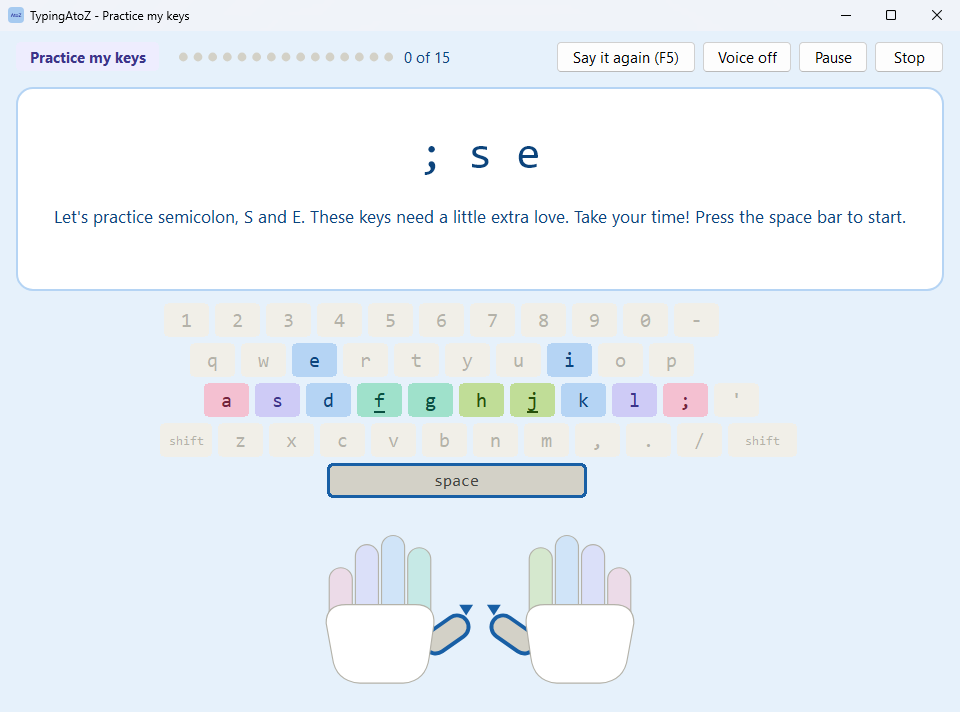
Each student follows a lesson map. A new lesson opens when the last one is done, so nobody is thrown in at the deep end.
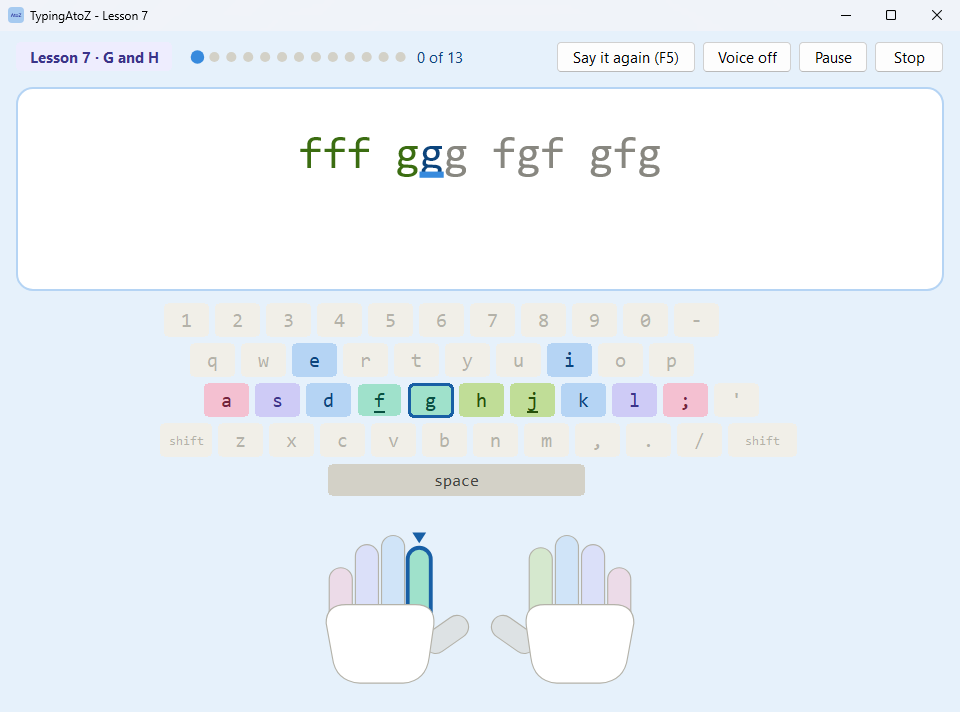
Every lesson is read to the student, so a reader who is still building skills can follow along. The keyboard shows which finger goes where, and the hands move to match.
The program remembers which keys each student finds hard and makes a short practice run of words that use them. Students can also pick word themes they love, such as dinosaurs, space or baking, and those words turn up in their games and practice.
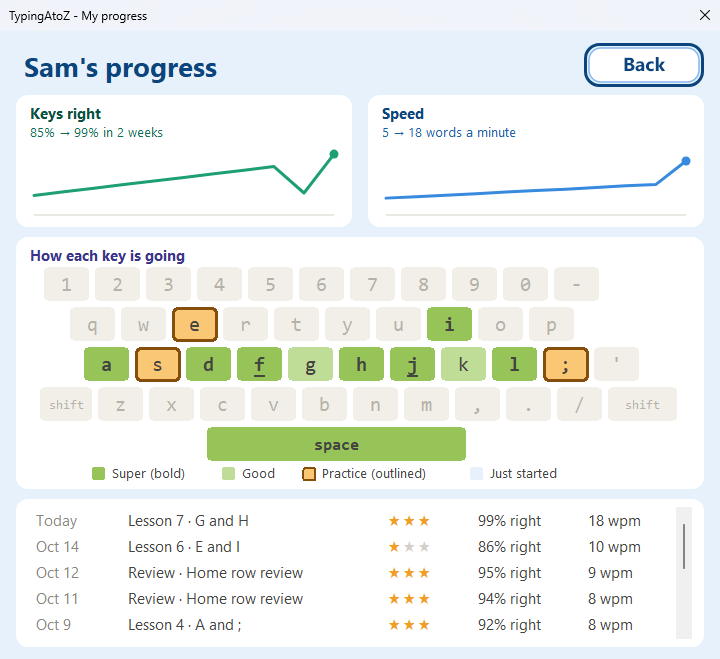
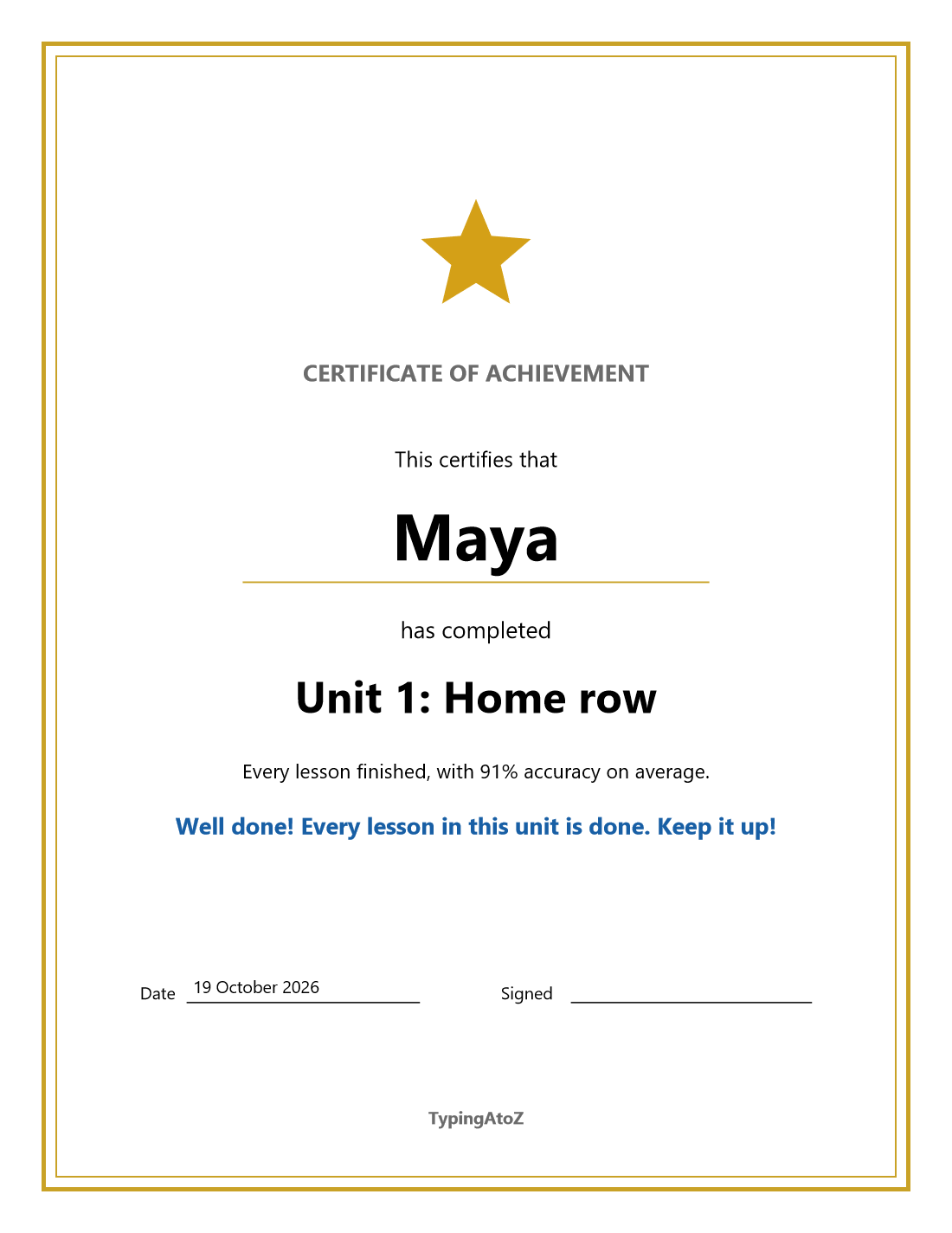
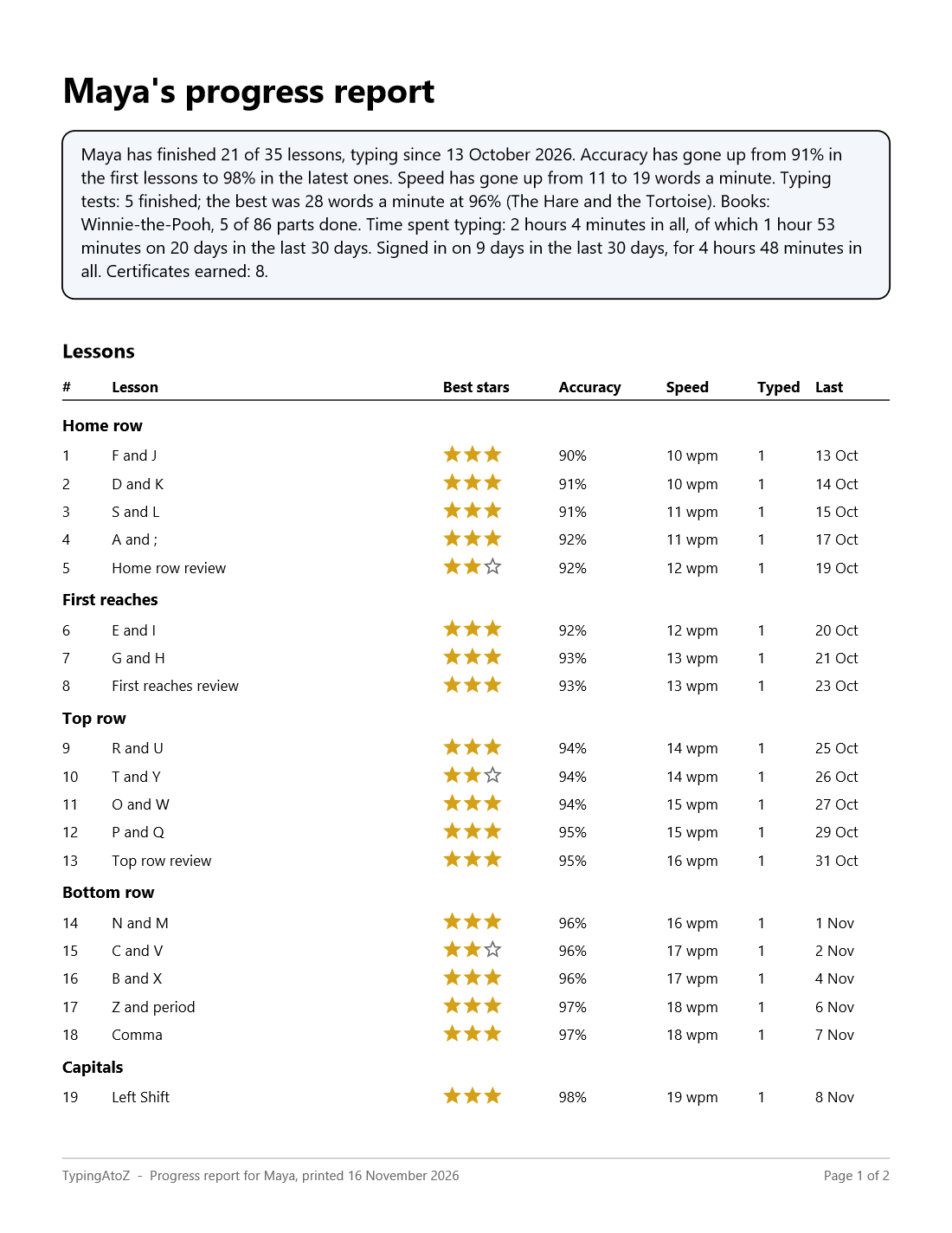
Students earn paper stars for every lesson, watch their speed and accuracy climb on My progress, and earn certificates for finishing units, typing tests and books. A tutor can print them in one click.
The games unlock as students learn the keys, so what they play always matches what they can type. Every picture in them is folded paper, origami style.
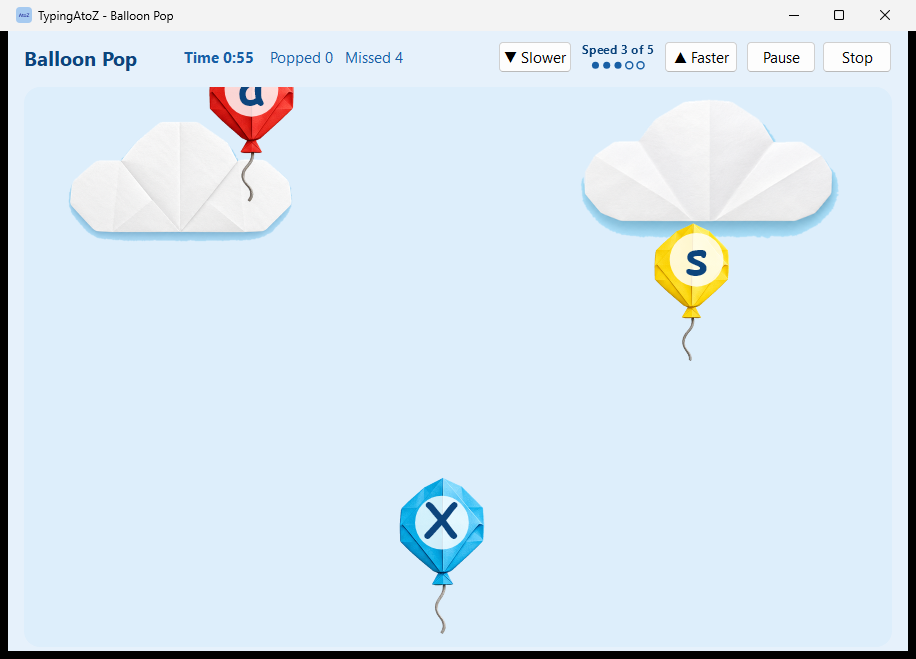
Type the key on each balloon before it floats away.
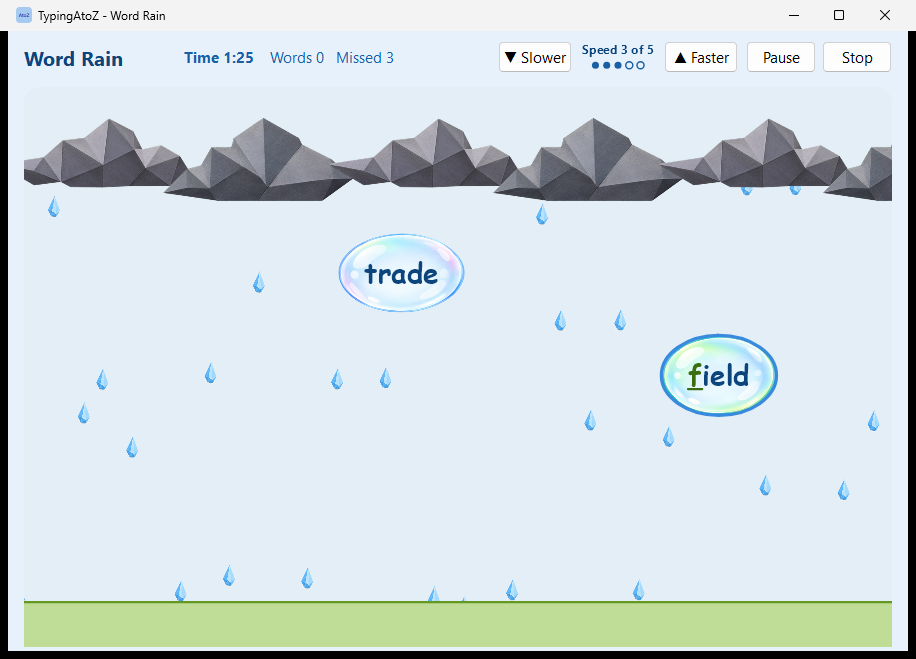
Catch whole words as they fall from the storm clouds.
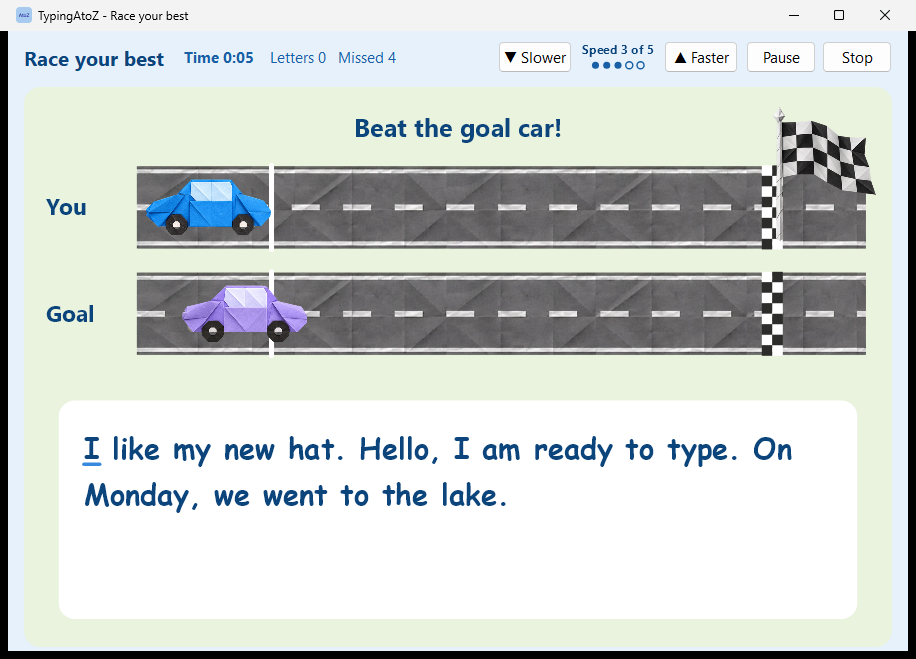
Drive a paper car and race a ghost of your own best run.
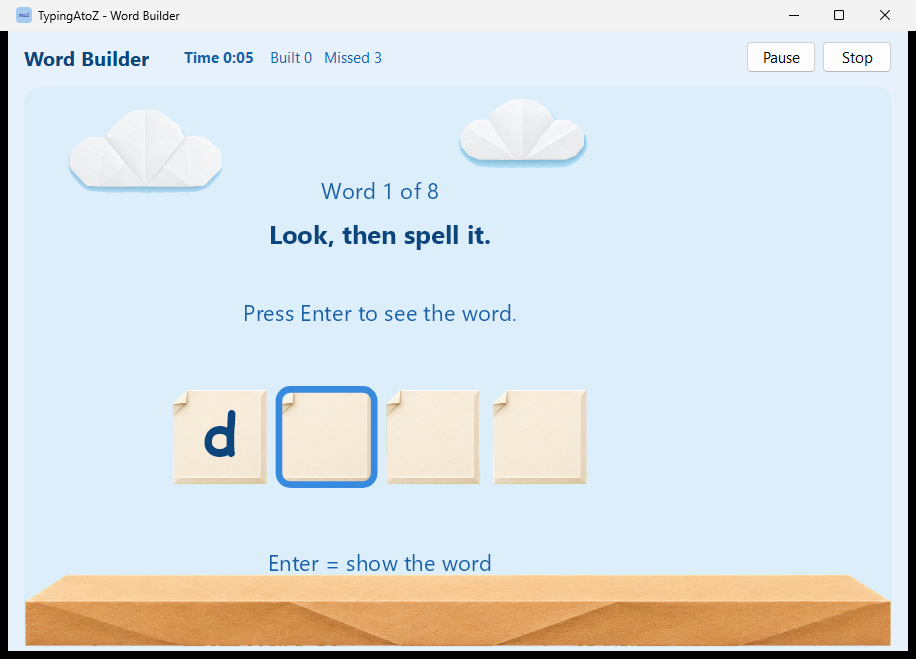
Spell words from memory and build a tower, one block at a time.
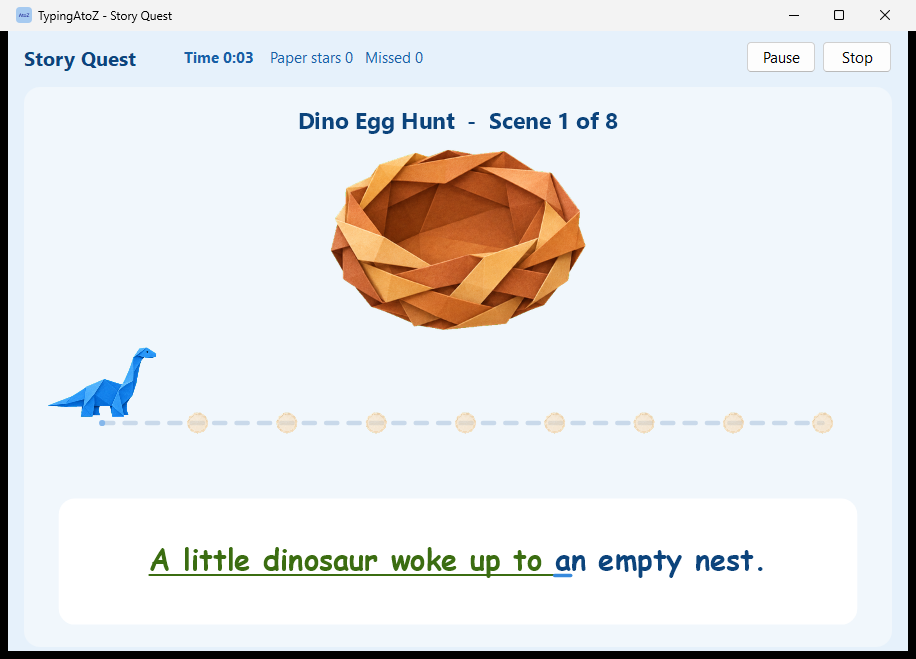
Type a story sentence by sentence and choose the path at the fork.
Students can speed games up or down, and the tutor can set how many plays and minutes a day are allowed, or turn games off.
Everything a grown-up needs is behind an optional PIN, away from the student's screen.
A printable progress report, a time log of when each student practiced, and clear notes on trends.
Certificates for units, tests and books, printable finger cards and practice sheets, all made inside the program.
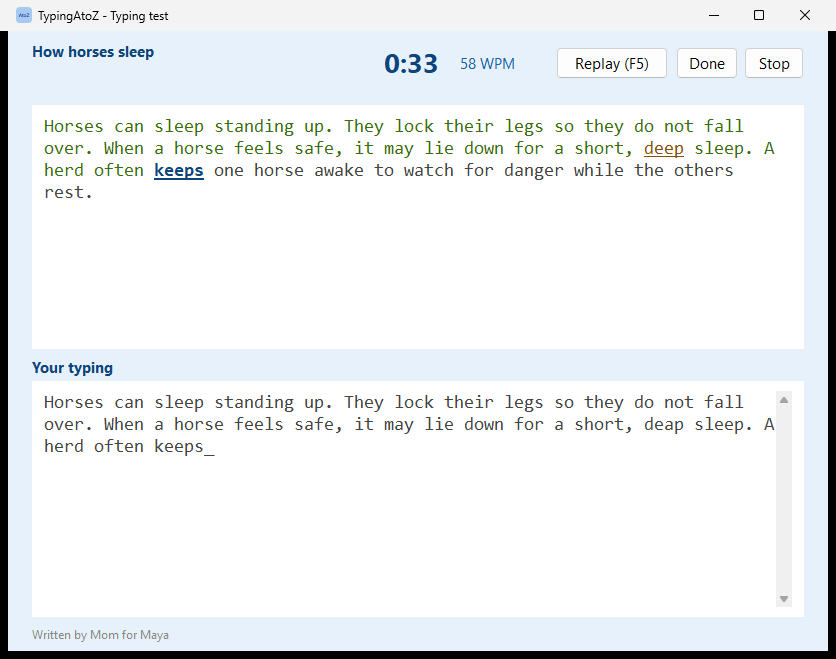
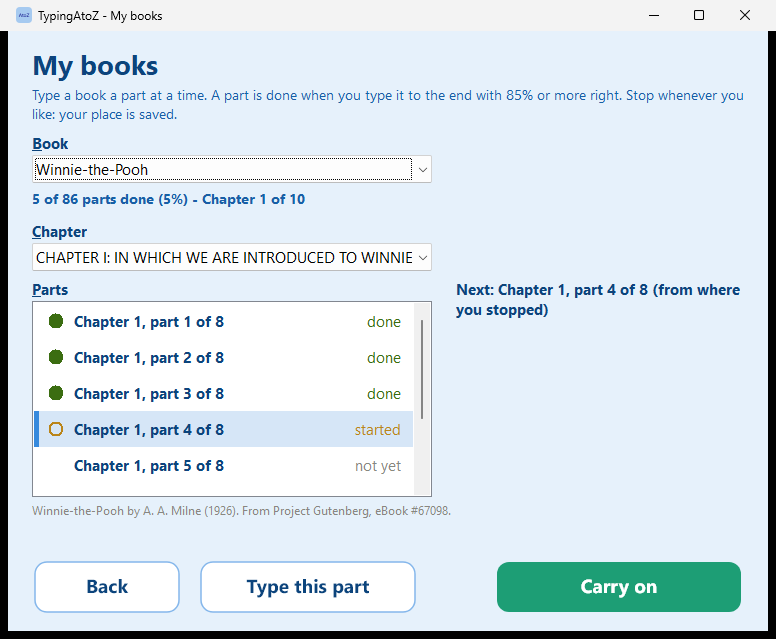
Timed tests from classic public-domain passages or your own text, with whole books such as Winnie-the-Pooh to type in parts.
Choose game speed and limits, the highest word level, and which lessons open for each student.
Lesson Studio and a step-by-step wizard let you make lessons from your own words, such as spelling lists. An optional copy-and-paste helper for any AI chat can draft them, and nothing is sent anywhere by the program.
Export lessons as a pack file for another computer or classroom, and import packs from others.


TypingAtoZ is on its way to the Microsoft Store for Windows 10 and 11. Until then, grab the free lesson plans and start practicing away from the screen.
Microsoft Store: coming soon Free typing lesson plans
One quick install from the Store. No sign-up.
Give each student a name and a few settings.
Ten minutes a day goes further than an hour once a week.
Stars, certificates and a progress report to print.
No. TypingAtoZ works completely offline: the lessons, games, words, voices and books are all inside the program.
No. There is no monthly or yearly fee, and nothing expires.
It is designed for students aged 9 and up, including teenagers and adult beginners. Younger students can use it with a tutor beside them.
Windows 10 and Windows 11 computers with a keyboard. It uses the voices that come with Windows, so speakers or headphones are useful.
Everything is stored in one file on your computer. The program has no accounts and does not send student information anywhere.
Yes. The first time the program opens, choose "Try it without saving". A guest student can type the first unit straight away, and nothing is saved when the program closes. When you are ready, you can set up real students.
As many as you like on one computer. Each has their own progress, settings and certificates.
Lessons are read aloud, color is never the only signal (mistakes are also underlined), and tutors can choose light or dark looks.